
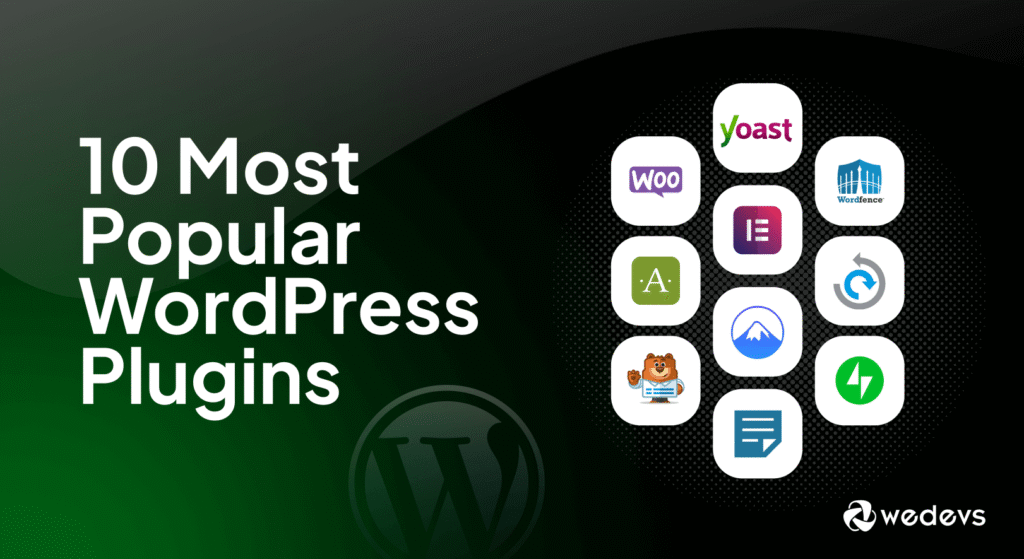
Plugins are small software components that add new features or extend the functionality of an existing application. Instead of modifying the core software, plugins allow developers and users to customize their tools easily. Today, plugins are widely used in websites, browsers, design tools, and development platforms.
In this blog, we will explore the different types of plugins and how they enhance software capabilities
Website Plugins
Website plugins are commonly used in content management systems to add extra features without coding from scratch. They help improve performance, design, and functionality.
For example, the CMS platform WordPress uses thousands of plugins to extend website features.
Common types of website plugins include:
SEO Plugins –
Help optimize websites for search engines. Example: Yoast SEO
Security Plugins – Protect websites from malware and attacks. Example: Wordfence
Caching Plugins – Improve website speed by storing static versions of pages.
Backup Plugins – Automatically back up website data.
These plugins make website management easier for beginners and professionals alike.
- Browser Plugins (Extensions)
Browser plugins add features to web browsers and improve the browsing experience.
For example, browsers like Google Chrome and Mozilla Firefox support thousands of extensions.
Examples include:
Ad Blockers – Remove unwanted advertisements.
Password Managers – Store and auto-fill login credentials.
Grammar Checkers – Improve writing online. Example: Grammarly
Productivity Tools – Manage tasks, notes, or time tracking.
Browser plugins make the internet more personalized and efficient.
- Audio Plugins
Audio plugins are widely used in music production and sound editing software.
Applications like Ableton Live and FL Studio use plugins to enhance sound creation.
Types of audio plugins include:
VST Instruments – Generate sounds like virtual instruments.
Effects Plugins – Add effects like reverb, delay, and distortion.
Mixing Plugins – Help adjust equalization, compression, and sound balance.
These plugins are essential for music producers and sound engineers.
- Design and Graphics Plugins
Graphic design software also supports plugins to expand creative capabilities.
Tools like Adobe Photoshop and Adobe Illustrator allow designers to install plugins for advanced editing.
Examples include:
Filter Plugins – Add special visual effects.
3D Plugins – Create 3D elements within designs.
Automation Plugins – Speed up repetitive tasks.
These plugins help designers work faster and create more complex designs.
Development plugins help programmers improve their coding workflow.
Code editors such as Visual Studio Code support plugins that enhance coding productivity.
Examples include:
Code Formatters – Automatically format code.
Linters – Detect errors and improve code quality.
Theme Plugins – Customize the editor’s appearance.
Git Integration Plugins – Manage version control easily.
These plugins help developers write cleaner and more efficient code.
- Gaming Plugins
Gaming plugins add new features, gameplay mechanics, or server management tools in games.
For instance, games like Minecraft support plugins that allow server owners to add custom commands, mini-games, and moderation tools.
Gaming plugins are popular in multiplayer servers and modding communities.
Conclusion
Plugins play a crucial role in modern software by allowing users to customize and extend applications without modifying the core system. Whether it’s improving website performance, enhancing music production, or helping developers code efficiently, plugins make software more flexible and powerful.
As technology continues to evolve, plugins will remain an essential tool for expanding the capabilities of digital platforms.